N10 AI Note
Item No.:N10
Are you still carrying a heavy dictaphone or a noticeable recording pen? It’s time for an upgrade. Meet our Ultra-Thin AI Voice Recording Card—the perfect fusion of a digital voice recorder and a smart assistant.
Designed for professionals, students, and journalists, this portable voice recorder is as slim as a credit card. Despite its size, it functions as a powerful sound recorder that captures crystal-clear audio in any environment. But what truly sets it apart is its brain: functioning as an advanced AI Note-taker, this smart voice recorder doesn't just record; it transcribes, summarizes, and organizes your thoughts via our companion app.
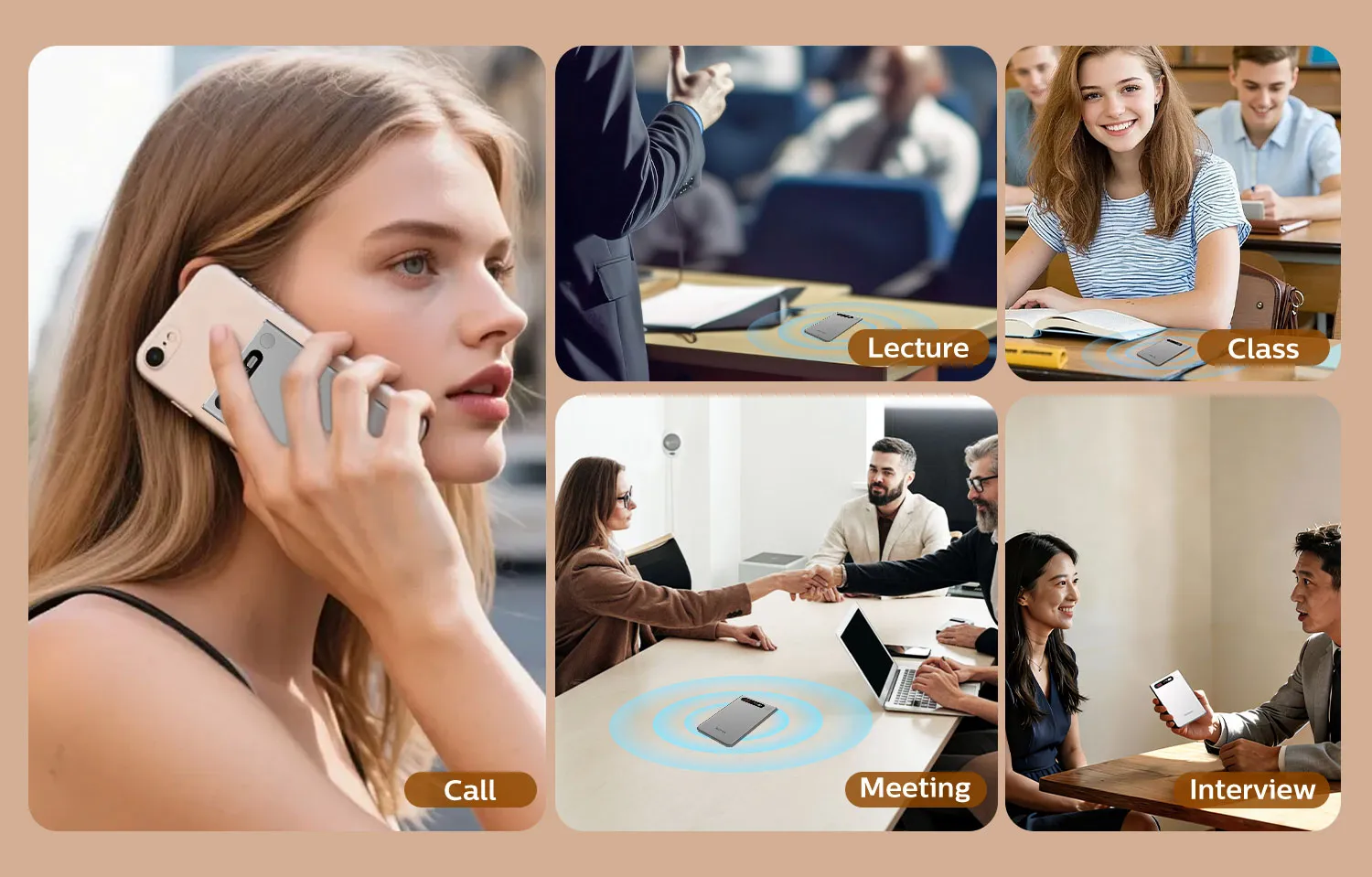
Whether you are looking for a reliable audio recorder for lectures, a discrete mini voice recorder
for quick memos, or a modern alternative to your old IC recorder, this AI recorder is your all-in-one solution. Step into the future of digital recording and let the AI voice recorder handle your meeting minutes effortlessly!
Are you still carrying a heavy dictaphone or a noticeable recording pen? It’s time for an upgrade. Meet our Ultra-Thin AI Voice Recording Card—the perfect fusion of a digital voice recorder and a smart assistant.
Designed for professionals, students, and journalists, this portable voice recorder is as slim as a credit card. Despite its size, it functions as a powerful sound recorder that captures crystal-clear audio in any environment. But what truly sets it apart is its brain: functioning as an advanced AI Note-taker, this smart voice recorder doesn't just record; it transcribes, summarizes, and organizes your thoughts via our companion app.
Whether you are looking for a reliable audio recorder for lectures, a discrete mini voice recorder
for quick memos, or a modern alternative to your old IC recorder, this AI recorder is your all-in-one solution. Step into the future of digital recording and let the AI voice recorder handle your meeting minutes effortlessly!
Product Details
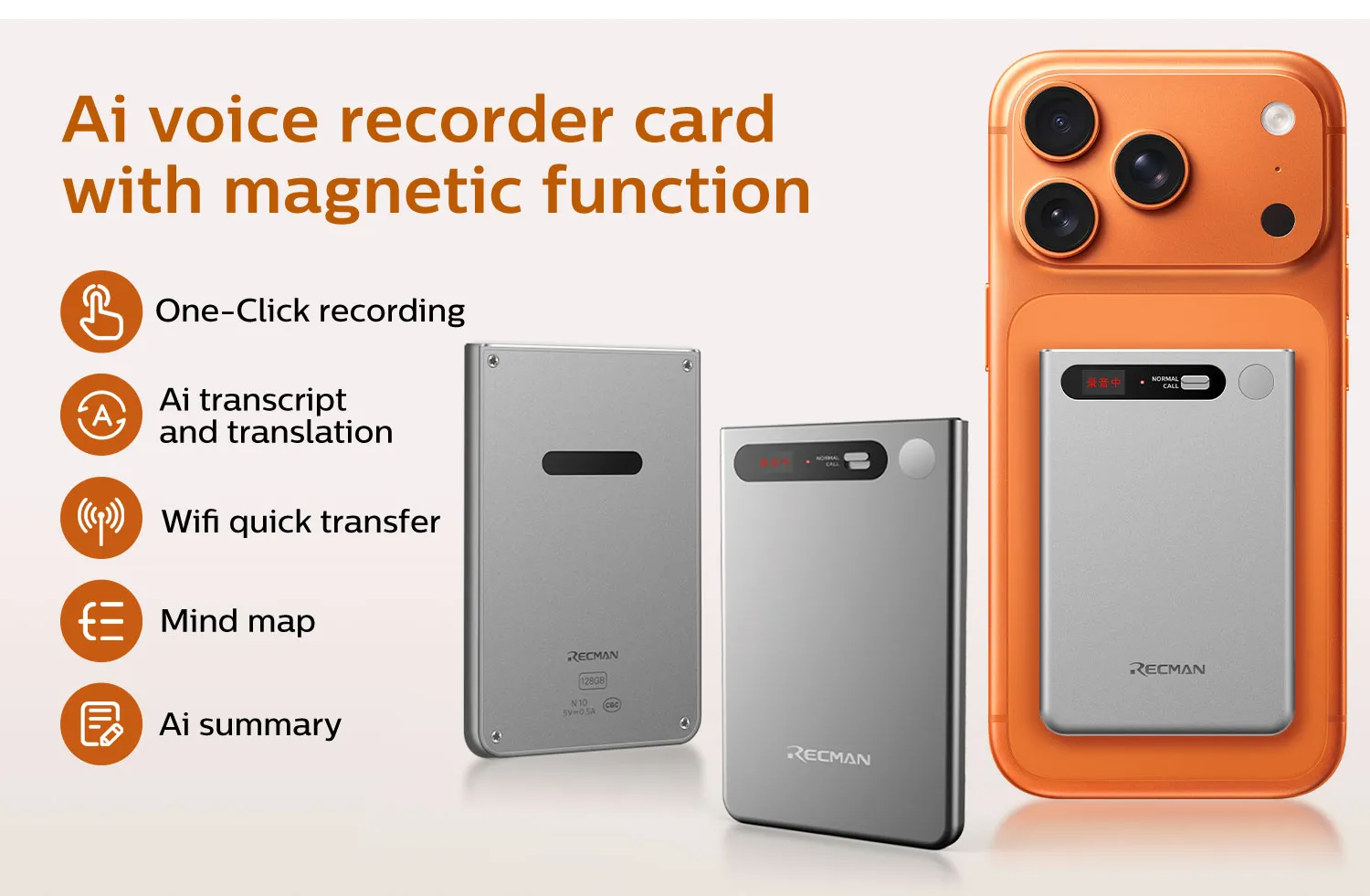
Main Functions
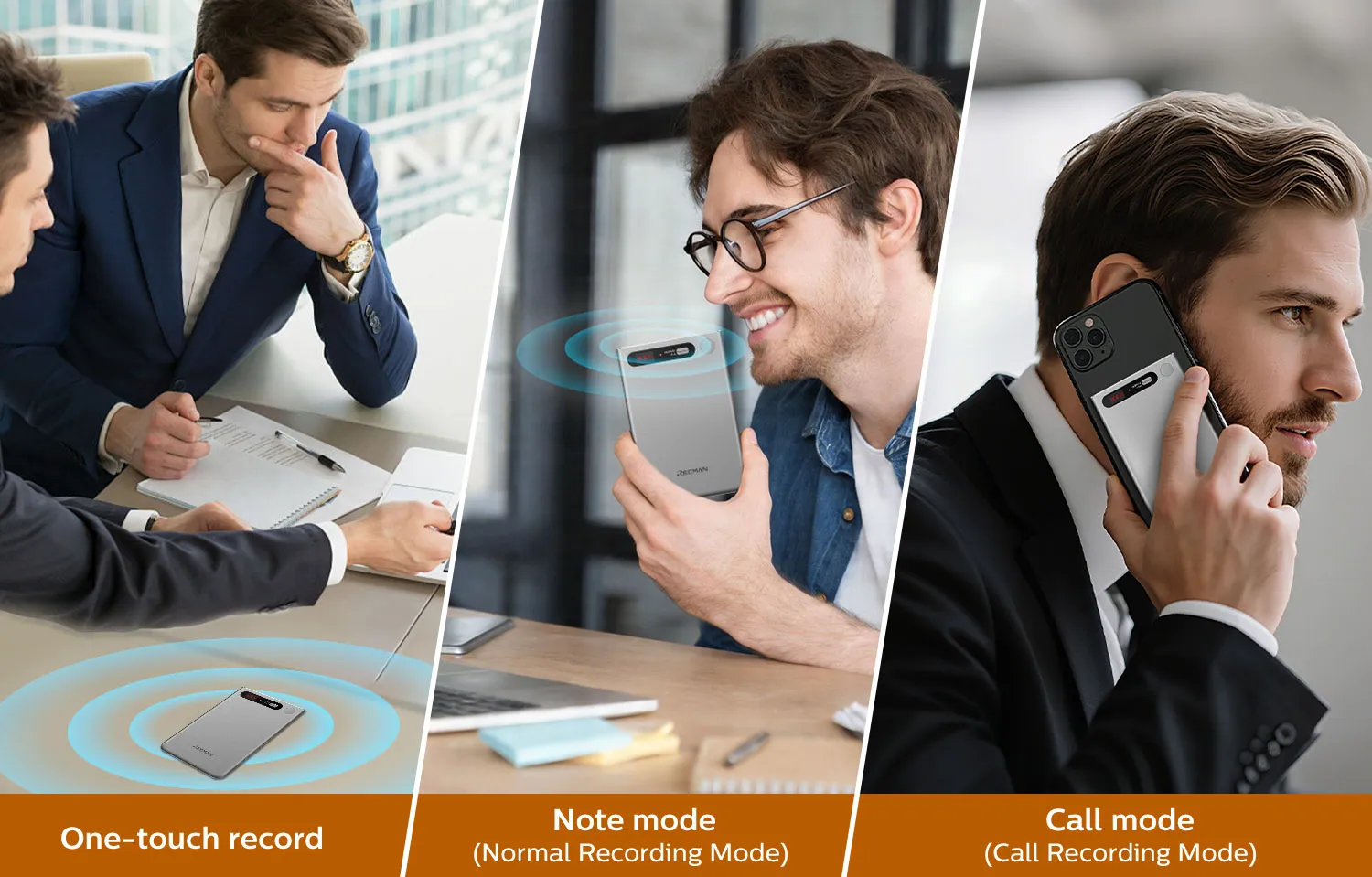
1.One-Click Recording
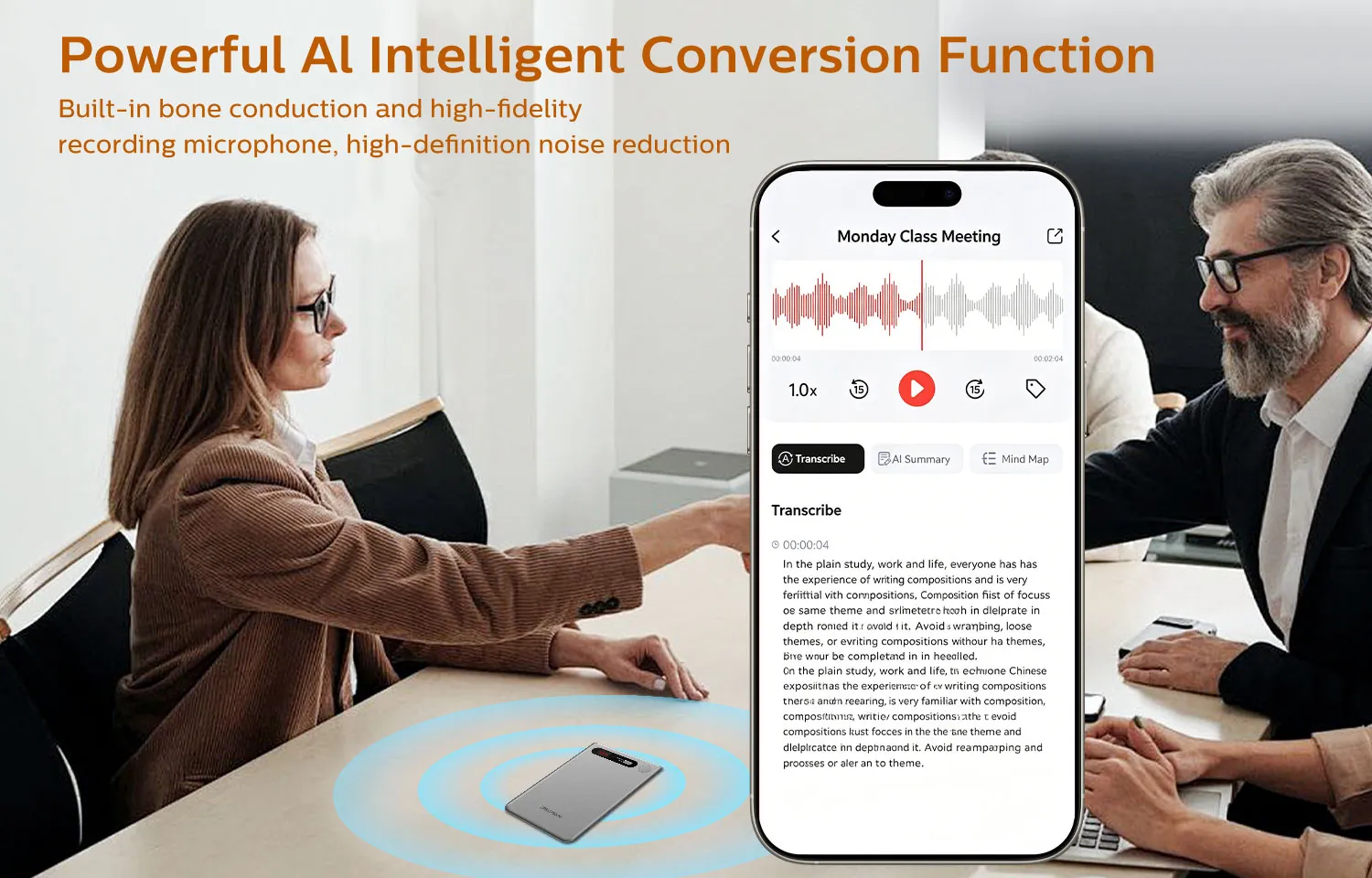
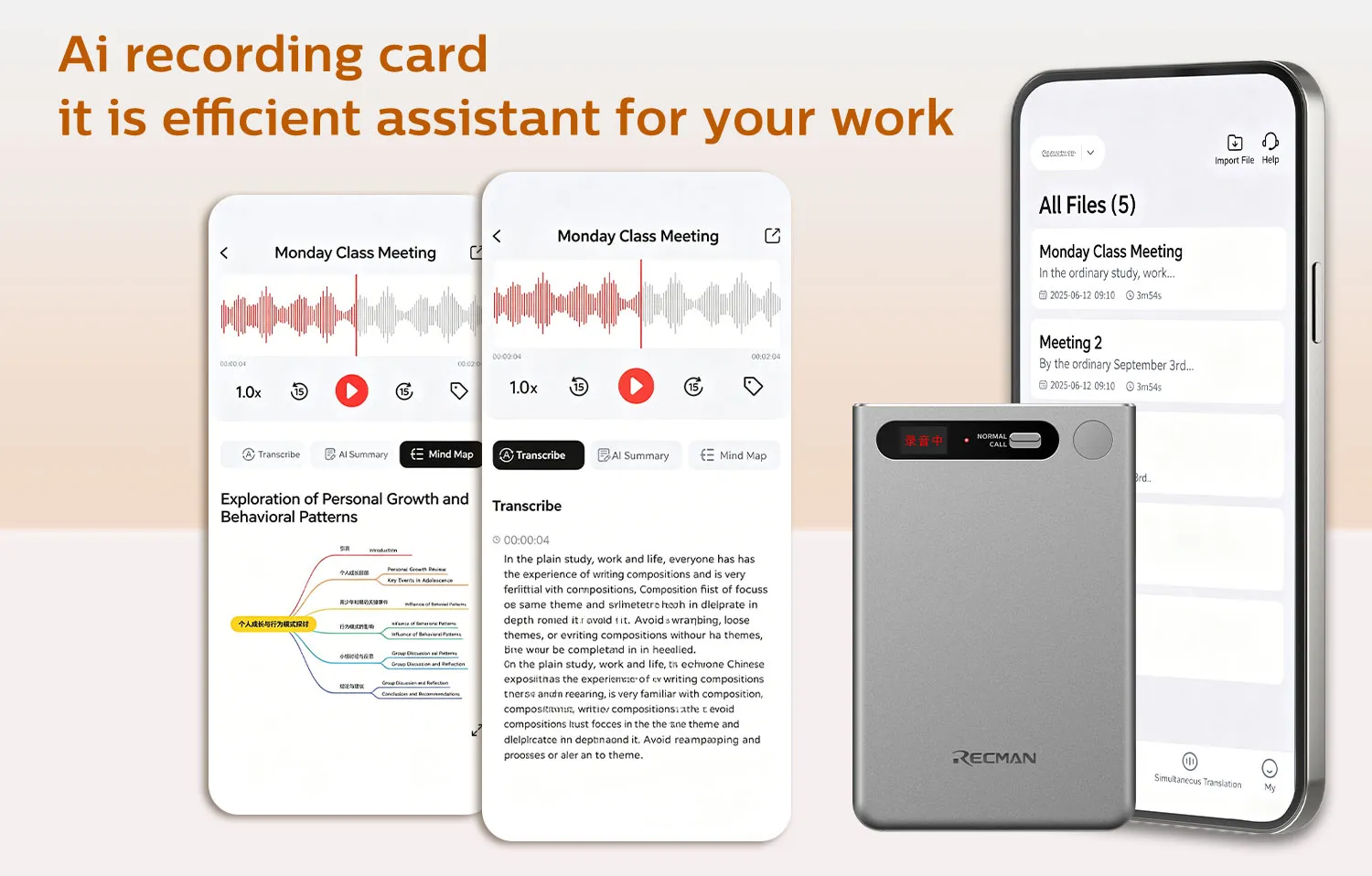
2 Really Time Ai Transcription
3 Really Time Ai Translation
4 Support Mind Mapping
5 Support Wifi ,Bluetooth Use ChatGPT Big Model
6. Built-in bone conduction and high-fidelity recording microphone
7. Type-C USB design
8. Supports BT and WIFI Fast Transfer
9. Magnetic Call and Recording
10. High-definition noise reduction.
11. Li battery design: 840mAh
2 Really Time Ai Transcription
3 Really Time Ai Translation
4 Support Mind Mapping
5 Support Wifi ,Bluetooth Use ChatGPT Big Model
6. Built-in bone conduction and high-fidelity recording microphone
7. Type-C USB design
8. Supports BT and WIFI Fast Transfer
9. Magnetic Call and Recording
10. High-definition noise reduction.
11. Li battery design: 840mAh
Main Functions
1.One-Click Recording
2 Really Time Ai Transcription
3 Really Time Ai Translation
4 Support Mind Mapping
5 Support Wifi ,Bluetooth Use ChatGPT Big Model
6. Built-in bone conduction and high-fidelity recording microphone
7. Type-C USB design
8. Supports BT and WIFI Fast Transfer
9. Magnetic Call and Recording
10. High-definition noise reduction.
11. Li battery design: 840mAh
2 Really Time Ai Transcription
3 Really Time Ai Translation
4 Support Mind Mapping
5 Support Wifi ,Bluetooth Use ChatGPT Big Model
6. Built-in bone conduction and high-fidelity recording microphone
7. Type-C USB design
8. Supports BT and WIFI Fast Transfer
9. Magnetic Call and Recording
10. High-definition noise reduction.
11. Li battery design: 840mAh
| Interface | USB C | ||
| Battery Capacity (mAh): | 840mah | ||
| Can it be Charged | Yes ,About 2.5 hours to charge. | ||
| Can Be Recording Time | 84 Hours | ||
| •USB(USB2.0): | Type-C | ||
| Storage Medium | Disk | ||
| •Internal Disk Capacity | 32GB 64GB 128G(As Per Customer's Request) | ||
| •Built-in Disk Type | EMMC | ||
| Audio Recording | Yes | ||
| Recording Format | MP3 | ||
| Recording Type: | Call Recording,Standar Recording | ||
| Recording Mode | MP3 | ||
| Bit Rate | 32kbps | ||
| Recording Time | TBD | ||
| Sampling Frequency | 16kHz | ||
| Button | |||
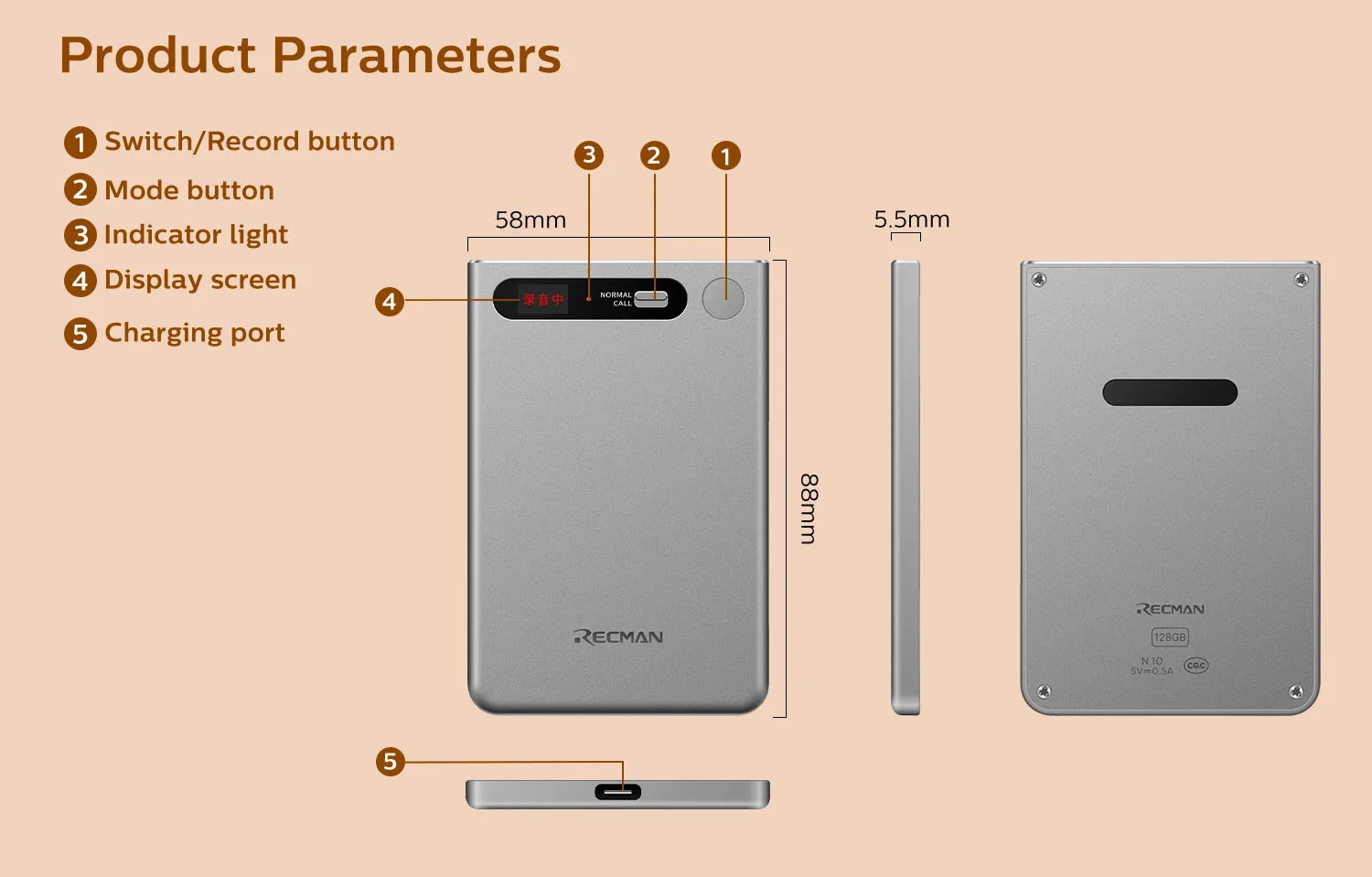
| • Power on / Record / Reset | 1. Long press for 3 seconds: Power on and enter standby (blue light). 2. Short press again: Enter recording (amber), and short press again to save. 3. Standby mode: Double-click to display battery level (green light for more than 60%, yellow light for more than 20%, red light for less than 20%) 4. Long press for 8 seconds to reset. |
||
| Recording mode selection switch | Recording mode selection switch Turn the switch upwards for "Call Recording": Turn the switch downwards for "Normal Recording" |
||
| Power supply | Battery | ||
| Power Types | Built-in lithium battery | ||
| System Requirement | As Following | ||
| Operating System | Windows7/XP/Vista/2000/Mac OS | ||
| USB Flash Drive Function | Yes | ||
| Upload / Download | No | ||
| Recharge | Yes | ||
| Interface | USB C | ||
| Battery Capacity (mAh): | 840mah | ||
| Can it be Charged | Yes ,About 2.5 hours to charge. | ||
| Can Be Recording Time | 84 Hours | ||
| •USB(USB2.0): | Type-C | ||
| Storage Medium | Disk | ||
| •Internal Disk Capacity | 32GB 64GB 128G(As Per Customer's Request) | ||
| •Built-in Disk Type | EMMC | ||
| Audio Recording | Yes | ||
| Recording Format | MP3 | ||
| Recording Type: | Call Recording,Standar Recording | ||
| Recording Mode | MP3 | ||
| Bit Rate | 32kbps | ||
| Recording Time | TBD | ||
| Sampling Frequency | 16kHz | ||
| Button | |||
| • Power on / Record / Reset | 1. Long press for 3 seconds: Power on and enter standby (blue light). 2. Short press again: Enter recording (amber), and short press again to save. 3. Standby mode: Double-click to display battery level (green light for more than 60%, yellow light for more than 20%, red light for less than 20%) 4. Long press for 8 seconds to reset. |
||
| Recording mode selection switch | Recording mode selection switch Turn the switch upwards for "Call Recording": Turn the switch downwards for "Normal Recording" |
||
| Power supply | Battery | ||
| Power Types | Built-in lithium battery | ||
| System Requirement | As Following | ||
| Operating System | Windows7/XP/Vista/2000/Mac OS | ||
| USB Flash Drive Function | Yes | ||
| Upload / Download | No | ||
| Recharge | Yes | ||
no data
Previous: NL-01 AI Note
Next: DVR616 AI NotePen
Submit a Quick Quote
Submit this form and our sales representative will contact you soon.
